Look no Further
Every download or resource you could possibly need is just a click or two away…
Know exactly what
you’re after?
If you know the exact product name you’re after, just enter it on the below to bring up all relevant documentation. Alternatively, you can select a filter and browse by a specific category.
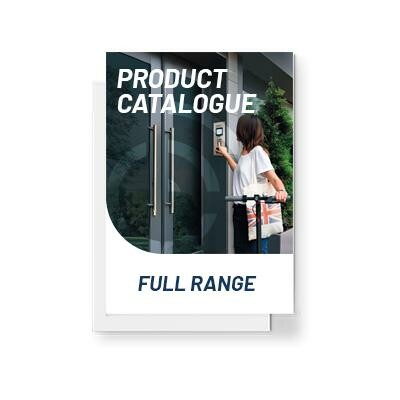
Catalogue & Brochures
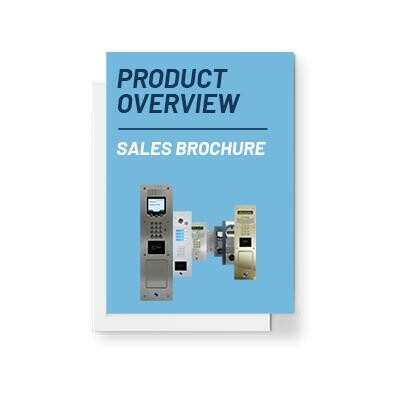
Catalogue & BrochuresIntratone Sales Brochure
Apps & SoftwareMy Intratone on the App Store
Apps & SoftwareMy Intratone on Google Play
Apps & SoftwareMy Intratone for Windows
Step-by-Step TutorialsProgramming Sheet
After SalesAfter Sales Return Form
Step-by-Step TutorialsCreating an Account
Step-by-Step TutorialsCreating Residences
Step-by-Step TutorialsAdding Authorisations
Step-by-Step TutorialsEditing Resident Details
Step-by-Step TutorialsCreating a Master Key
Step-by-Step TutorialsCreating Keypad Codes
Step-by-Step TutorialsCreating Phone Codes
Step-by-Step TutorialsAdding Key Fobs
Step-by-Step TutorialsAdding Mobile Keys
Step-by-Step TutorialsCreating Time Ranges
Step-by-Step TutorialsDirect Call Button
Step-by-Step TutorialsPanel Programming Function
Step-by-Step TutorialsAdding Intercom Logos
Step-by-Step TutorialsUsing Grouped Properties
Step-by-Step TutorialsCreating Sub-Accounts
Step-by-Step TutorialsInstalling Programmers
Step-by-Step TutorialsUsing the Programmer
Step-by-Step TutorialsCreating Noticeboard Announcements
Step-by-Step TutorialsCreating Noticeboard Surveys
Step-by-Step TutorialsImporting Management Data
Step-by-Step TutorialsMy Windows Intercom
Step-by-Step TutorialsGPDR Compliance
Step-by-Step TutorialsKey Cabinet Tutorial
PDF TutorialsCreating an Account
PDF TutorialsCreating a Residence
PDF TutorialsAdding an Authorisation
PDF TutorialsEditing resident details
PDF TutorialsCreating a Master Key
PDF TutorialsCreate a keypad code
PDF TutorialsCreating a Phone Code
PDF TutorialsAdding a Key Fob
PDF TutorialsAdding a Mobile Key
PDF TutorialsCreating a Time Range
PDF TutorialsDirect Call from the Call button
PDF TutorialsPanel Programming function in flat
PDF TutorialsAdding a Logo
Step-by-Step TutorialsUsing grouped properties
PDF TutorialsCreating a Sub Account
PDF TutorialsInstalling an USB Programmer
PDF TutorialsUsing the programmer
PDF TutorialsCreating an Announcement on Notice board
PDF TutorialsCreating a Survey
PDF TutorialsMy Windows intercom
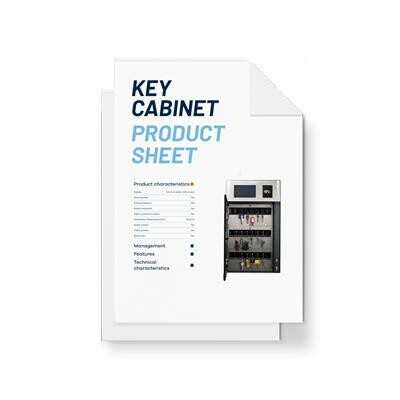
Key ManagementKey Cabinet Product Sheet
PDF TutorialsAmazon Key
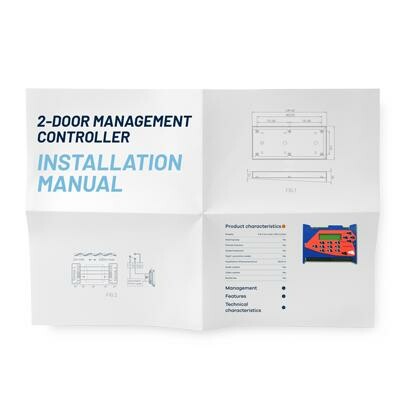
Installation Manuals2-Door Management Controller Installation Manual
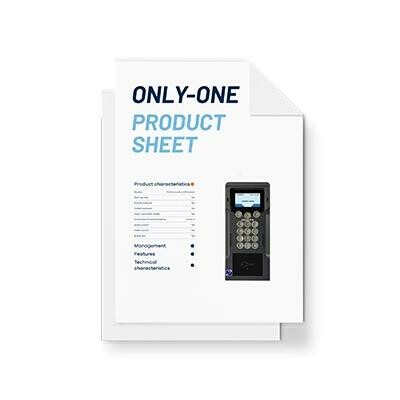
IntercomsSC-05 – Only-One Product Sheet
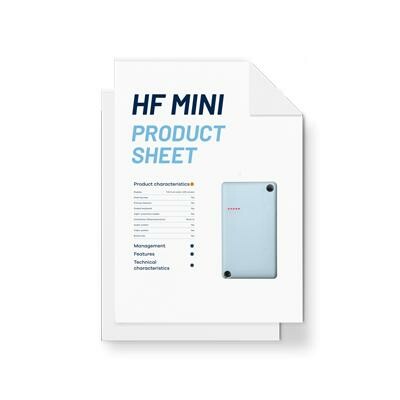
Access ControlHF Mini Product Sheet
Guides & White PapersChecking Events Manager Guide
Guides & White PapersProgramming Key Cabinet Guide
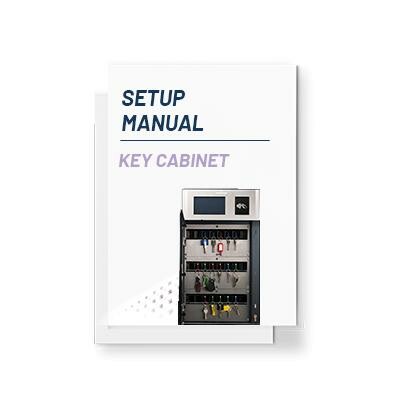
Guides & White PapersKey Cabinet Setup Manual
PDF TutorialsCreating A Key Pad Code
Guides & White PapersBecoming a better Property Manager – Guide
Guides & White PapersHow to improve communication between Tenants & Housing Associations – White Paper
Installation ManualsKeysafe with Proximity Reader Installation Manual
Key ManagementKeysafe with Proximity Reader Product Sheet
Installation ManualsKeysafe Installation Manual
Key ManagementKeysafe Product Sheet
Installation ManualsRF Receiver Integrated Aerial Installation Manual
Access ControlRF Receiver Integrated Aerial Product Sheet
Installation ManualsCoded Keypad with Proximity Reader Installation Manual
Access ControlCoded Keypad with Proximity Reader Product Sheet
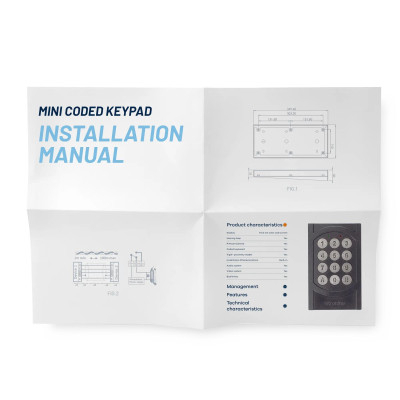
Installation ManualsMini Coded Keypad Installation Manual
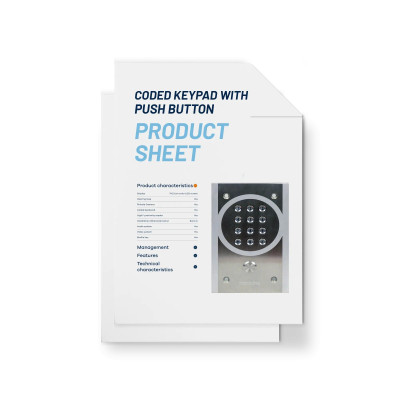
Access ControlCoded Keypad Push Button Product Sheet
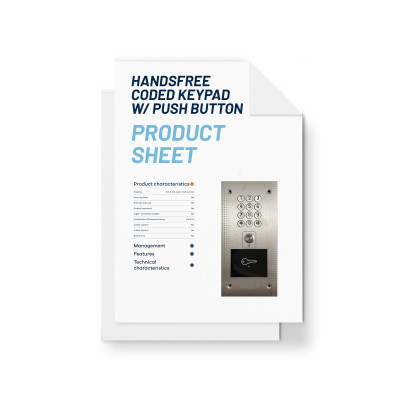
Access ControlHandsfree Coded Keypad w/ Push Button Product Sheet
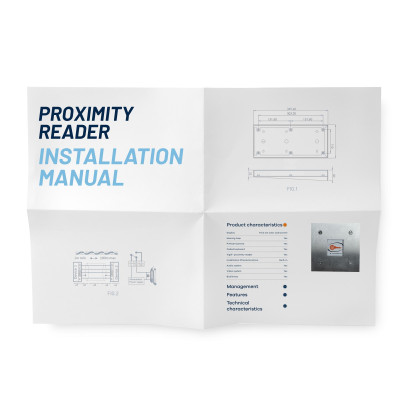
Installation ManualsSquared Proximity Reader Installation Manual
Access ControlSquared Proximity Reader Product Sheet
Installation ManualsKey Cabinet Installation Manual
Installation ManualsHands Free Proximity Reader Installation Manual
Access ControlHands Free Proximity Reader Product Sheet
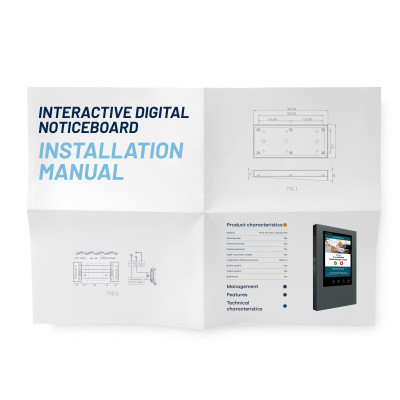
Installation Manuals21″ Digital Noticeboard Installation Manual
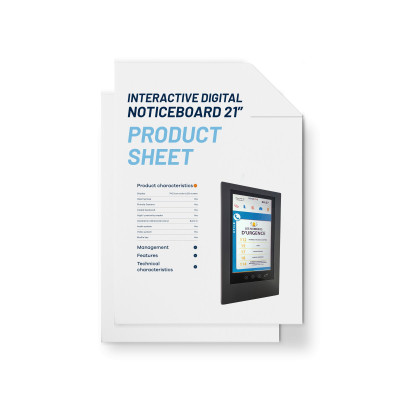
Digital Noticeboards21″ Digital Noticeboard Product Sheet
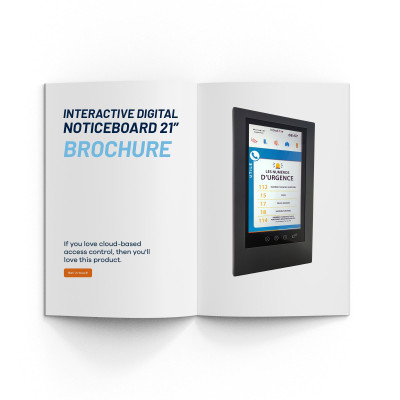
Catalogue & Brochures21″ Digital Noticeboard Brochure
Installation Manuals15″ Digital Noticeboard Installation Manual
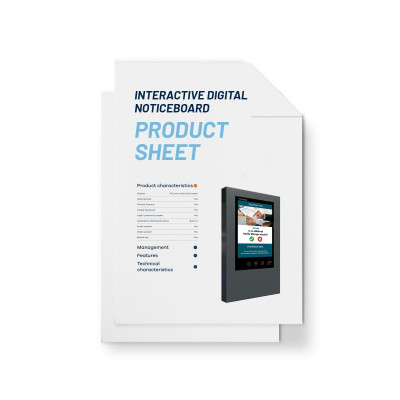
Digital Noticeboards15″ Digital Noticeboard Product Sheet
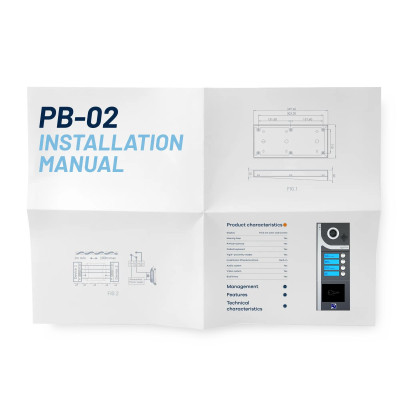
Installation ManualsPB-02 Installation Manual
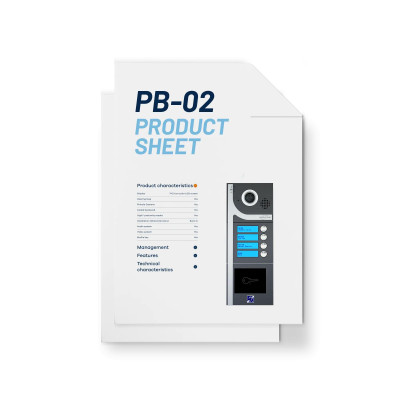
IntercomsPB-02 Product Sheet
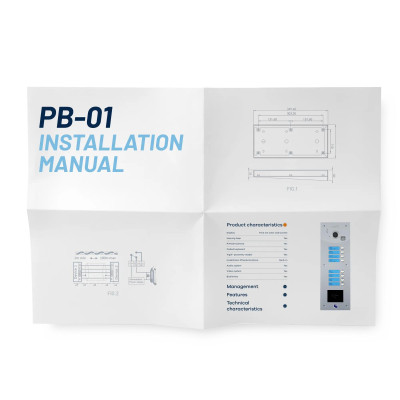
Installation ManualsPB-01 Installation Manual
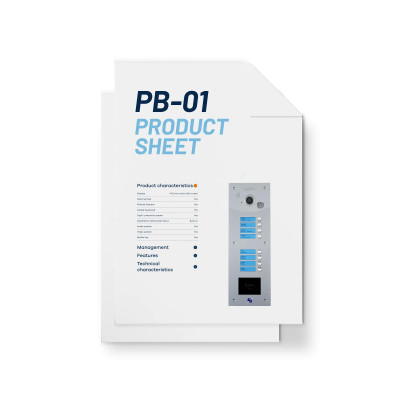
IntercomsPB-01 Product Sheet
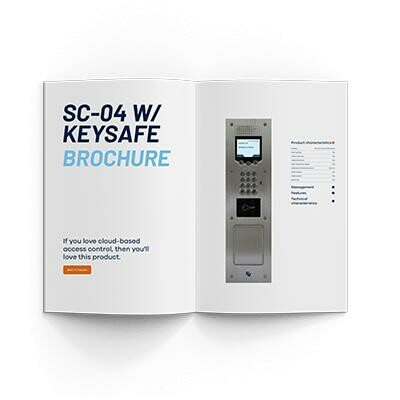
Catalogue & BrochuresSC-04 w/ Keysafe Brochure
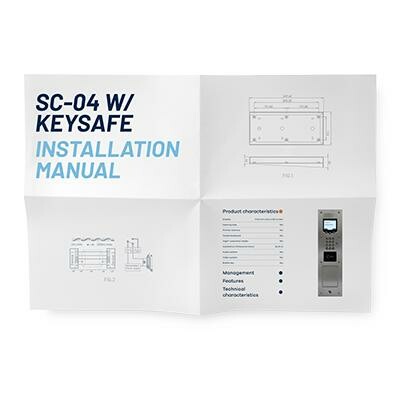
Installation ManualsSC-04 w/ Keysafe Installation Manual
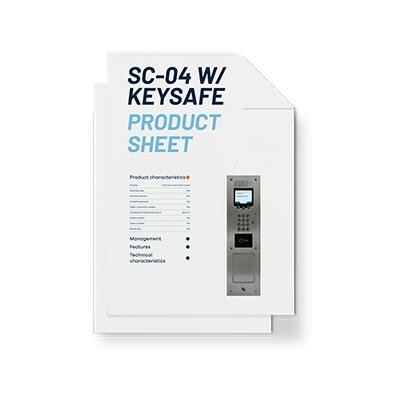
IntercomsSC-04 w/ Keysafe Product Sheet
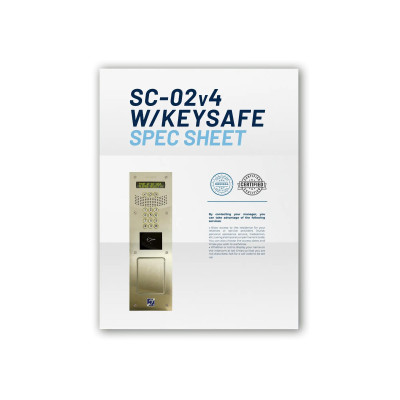
IntercomsSC-02v4 w/ Keysafe Spec Sheet
Installation ManualsSC-02v4 w/ Keysafe Installation Manual
IntercomsSC-02v4 w/ Keysafe Product Sheet
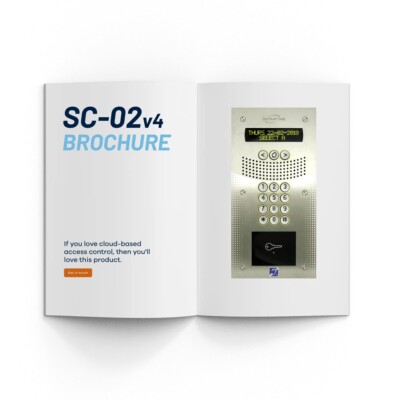
Catalogue & BrochuresSC-02v4 Brochure
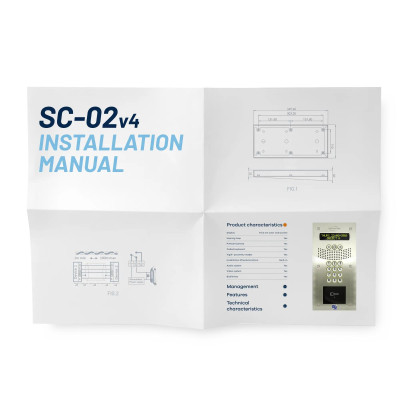
Installation ManualsSC-02v4 Installation Manual
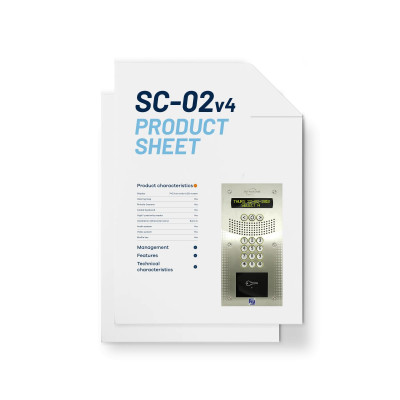
IntercomsSC-02v4 Product Sheet
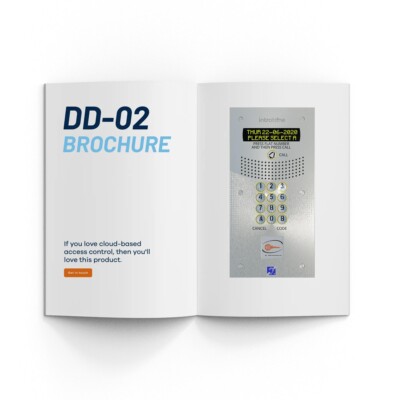
Catalogue & BrochuresDD-02 Brochure
Installation ManualsDD-02 Installation Manual
IntercomsDD-02 Product Sheet
Catalogue & BrochuresDD-01 Brochure – 02-0201
Installation ManualsDD-01 Installation Manual
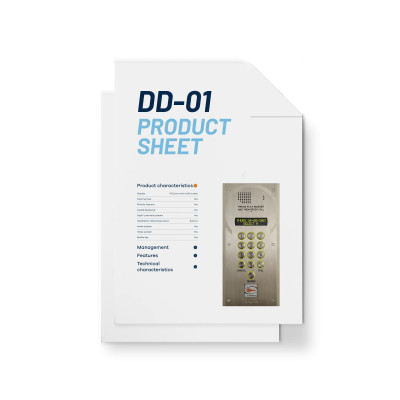
IntercomsDD-01 Product Sheet
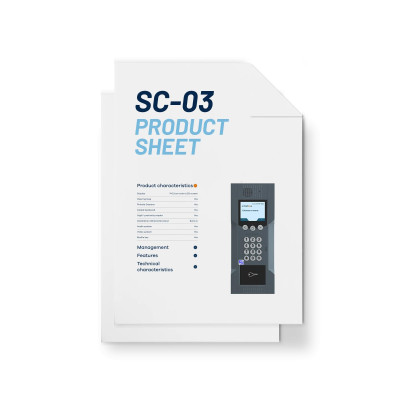
IntercomsSC-03 Product Sheet
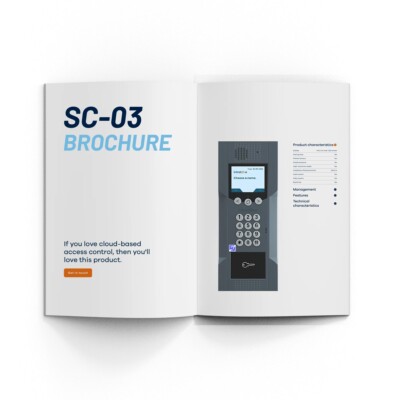
Catalogue & BrochuresSC-03 Brochure
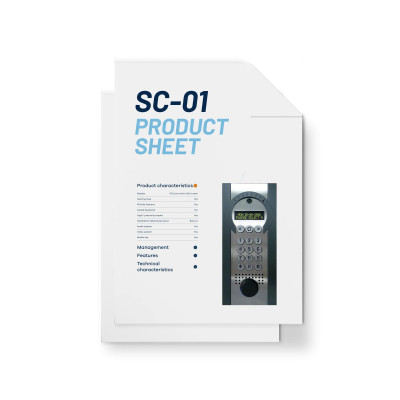
IntercomsSC-01 Product Sheet
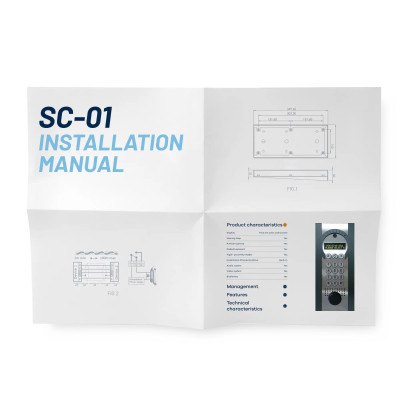
Installation ManualsSC-01 Installation Manual
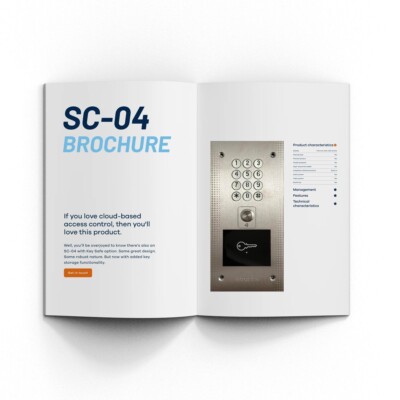
Catalogue & BrochuresSC-04 Brochure
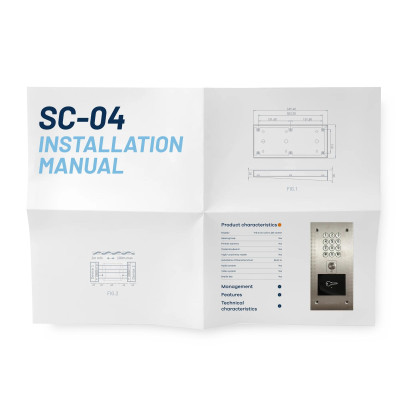
Installation ManualsSC-04 Installation Manual
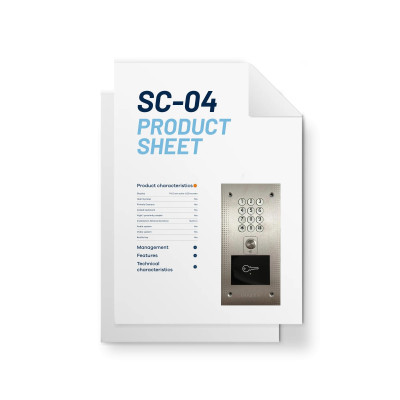
IntercomsSC-04 Product Sheet
PDF TutorialsGDPR
Step-by-Step TutorialsCreate a mobile key
PDF TutorialsImporting Data
Step-by-Step TutorialsCreating a Keypad code
PDF TutorialsUsing grouped properties
Step-by-Step TutorialsCreate an authorisation
Step-by-Step TutorialsCreate a fob
Step-by-Step TutorialsModify name or phone number
Guides & White PapersResident guide – 2024 edition
After the full catalogue?
Click on the link to download the very latest version…
Interested in distributing Intratone?
We don’t blame you!
Just fill out the form or give us a call and we’ll talk you through the sign-up process.

"*" indicates required fields
Marketing Request?
We can help. If you’re looking for high-res images for promotional purposes, or have any other specific need, just fire us over a note at info and we will do all we can to help out. Just make sure to include your name, position and email in any request.
Find your nearest Distributor
Being the foremost access control company in the UK means that you don’t have to look too hard to find your nearest distributor. In fact, you don’t have to look at all – just click on your nearest installer from the selection below to get hold of their contact details.

Looking for something else?
Chat with a member of our friendly support team about your specific needs.